AI coding tools in 2025: what the Redditors say
Reddit threads reveal the real story behind AI coding tools. Cursor's pricing backlash, Roo Code's flexibility, and Claude Code's terminal-first approach.

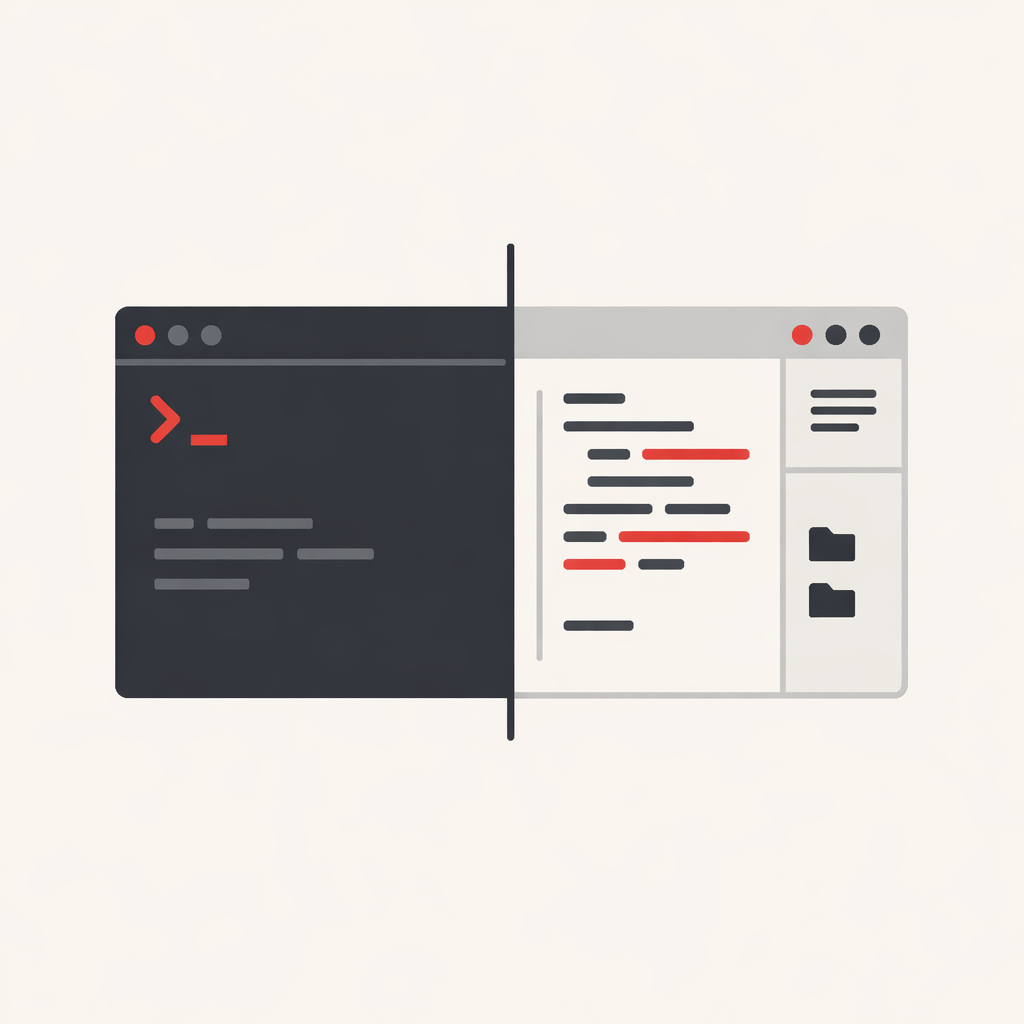
The AI coding assistant space has fractured into distinct camps. Standalone AI-native IDEs like Cursor and Windsurf. VS Code extensions like Roo Code and Cline. Terminal-first tools like Claude Code. And niche utilities like Nimbalyst that wrap around other tools entirely.
I spent time in the Reddit threads and forums where developers actually use these tools. The marketing pages tell one story. The complaint threads tell another.
Cursor's pricing backlash
Cursor dominated 2024. By mid-2025, the sentiment shifted. In June, Cursor moved from a simple 500-request limit to usage-based billing tied to API costs. The change was poorly communicated. Users reported burning through their $20 monthly allowance in days when using Claude Opus 4 or similar premium models.
The backlash was severe. TechCrunch reported Cursor issuing refunds and public apologies. Reddit threads titled "What Happened To Cursor?" documented what users called a "rug pull." One developer summed up the damage: "I no longer trust Cursor. I would rather pay $200 for Claude Code than $200 for Cursor."
The product itself remains capable. But the trust erosion matters. Power users migrated to alternatives where they control the costs directly.
The open-source response: Roo Code and Cline
Roo Code and Cline are both VS Code extensions that let you bring your own API keys. No subscription fees. You pay the model providers directly and see exactly what you spend.
Cline is the stable, straightforward option. It requires approval for every file change and terminal command. This human-in-the-loop approach suits developers who want AI assistance without surrendering control.
Roo Code forked from Cline and added customisation. The key feature is "modes" - you can create specialised AI personalities for different tasks. An architect mode for system design. A debug mode for troubleshooting. A security mode for reviewing authentication code. Each mode can use different models with different settings.
The trade-off is complexity. Roo Code rewards configuration time. Setting up memory banks, custom prompts, and mode-specific behaviours takes effort. For quick prototyping or small projects, Cline's simpler approach may be enough. For large codebases where context management matters, Roo Code's flexibility becomes worthwhile.
Both tools run inside VS Code, meaning you keep your existing extensions, keybindings, and workflow. That alone makes them attractive to developers who don't want to adopt yet another editor fork.
Claude Code: the terminal-first approach
Claude Code takes the opposite approach from IDE integration. It lives in your terminal and operates more like a junior developer than an autocomplete engine. Point it at a directory, describe what you want, and it plans, writes, tests, and iterates with minimal hand-holding.
The learning curve is real. There's no GUI. You can't drag and drop screenshots. Text expansion snippets don't work. But developers who adapt to it report a genuine shift in how they work. One described it as spending more time in "reviewer mode" than "coding mode" - steering the AI's output rather than writing code directly.
Claude Code costs $17-20/month through a Claude Pro subscription, with usage-based billing on top for heavy users. The expense adds up, but users who've tried both report Claude Code's output quality exceeding Cursor's, particularly for complex multi-file changes.
Nimbalyst: the Claude Code companion
Nimbalyst occupies a different niche entirely. It's a free desktop app that provides a visual interface and session manager for Claude Code. You edit markdown docs, mockups, and diagrams in a WYSIWYG editor, then let Claude Code operate on your full context.
It requires a Claude Pro or Max subscription to function — Nimbalyst doesn't provide model access, it just wraps Claude Code in a more accessible interface. For product managers or designers who want to prototype with AI without learning terminal commands, that's the value proposition. For developers already comfortable in the terminal, it's a layer you may not need.
Windsurf's uncertain future
Windsurf, built by the Codeium team, offered cheaper pricing than Cursor ($15/month vs $20) and strong codebase awareness through its Cascade feature. Then Cognition AI acquired it. The roadmap became unclear. Developers who built workflows around Windsurf now face platform risk.
The tool itself handles large codebases well. It indexes projects automatically and maintains context across sessions better than some alternatives. But the acquisition uncertainty makes it hard to recommend for new projects.
Picking the right tool
The honest answer from the forums: it depends on how you work.
If you want a polished IDE experience and don't mind subscription complexity, Cursor remains capable despite the pricing drama. Watch your usage closely.
If you want cost transparency and don't mind configuration, Roo Code gives you the most control. Cline offers similar capability with less setup. If you're comfortable in the terminal, Claude Code is hard to beat for complex tasks.
Nimbalyst makes sense if you're already paying for Claude Pro and want a gentler entry point to Claude Code's capabilities.
What doesn't work: expecting any of these tools to replace understanding your codebase. Every comparison I read included some version of "the AI makes mistakes." The tools accelerate the work. They don't eliminate the need to review it.