Building AI Agents and Automations with n8n
Conor Griffin's n8n tutorial builds three automations of increasing complexity, ending with an AI agent that manages calendars, emails, and custom workflows through natural language.

Conor Griffin made a comprehensive n8n tutorial that takes you from complete beginner to building a functional AI personal assistant. The video covers three builds of increasing complexity, starting with a simple daily weather email and ending with an AI agent that manages calendars, emails, and custom workflows.
n8n is a node-based automation platform that's gained popularity for making AI agents accessible. The core difference: automations follow fixed sequences (A to B to C), while agents can reason and choose actions based on context. Griffin structures the tutorial around building rather than theory, so you're creating useful tools from the start.
The first build: daily weather emails
The opening example uses three nodes: a schedule trigger set to 6am, an OpenWeather API call, and a Gmail send. You drag data fields from one node to the next - temperature, location, wind speed - and the system handles the connections. It's deliberately simple to show how nodes connect and data flows through a workflow.
Griffin emphasises the "pin data" button early. When testing workflows, you can pin the output from a node so you don't need to re-run earlier steps each time. Small detail, but it speeds up iteration considerably.
The second build: form-driven routing
This one handles sponsorship inquiries through a form. When someone submits, n8n routes the request based on budget amount, sends an automated email response, and logs everything to a Google Sheet. The pattern applies to any form-based workflow - lead generation, support requests, sales funnels.
The switch node creates branching logic. Budget under £1 million goes one way, over goes another. Each branch gets its own Gmail response and Sheet entry. Griffin shows how to duplicate nodes to save time - copy the first Gmail setup, drag it to the second branch, change the message text.
He covers three expansion patterns here: enriching leads with AI research, merging multiple data streams, and cleaning input with set nodes. The set node example: if someone types "£500,000" instead of "500000", the switch node fails because it expects a number. A set node strips the formatting first.
Understanding JSON
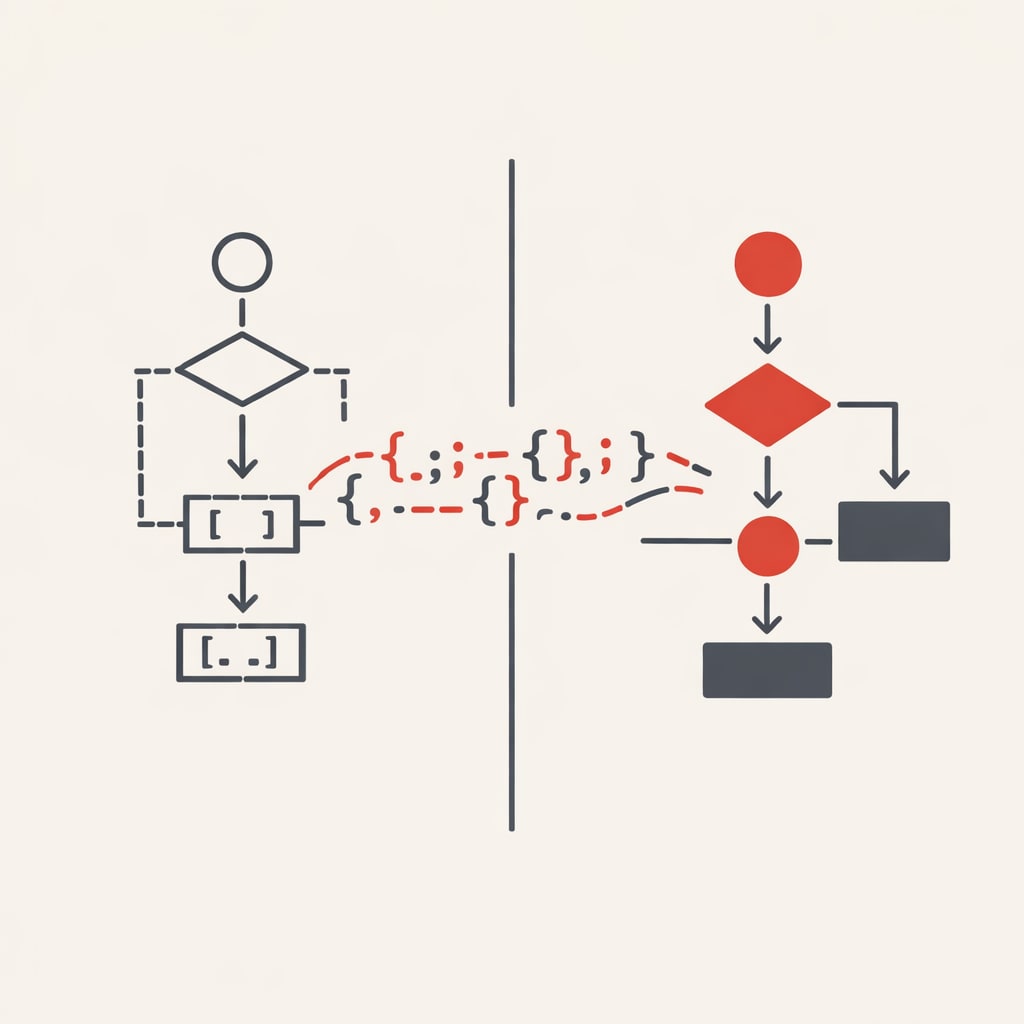
Data moves through n8n workflows as JSON. Griffin breaks down the basics: $json.budget means "the budget field from the previous node". When data comes from earlier in the workflow, you specify which node: $('on form submission').item.json.company means "find the company field from the form submission node".
You don't need to write JSON manually - n8n provides drag-and-drop fields. But knowing how to read it helps when you need modifications. Adding Math.round() around a temperature value removes decimals. Asking ChatGPT to write these expressions works fine when you know what to ask for.
HTTP requests and APIs
n8n includes hundreds of pre-built integrations, but the HTTP request node connects to anything with an API. Griffin demonstrates with air quality data from AirNow, which isn't in n8n's integration list.
The process: create an account, get an API key, use their query builder to generate a URL, paste that URL into n8n's HTTP request node. It's not much harder than using a built-in integration. Most APIs provide documentation that makes this straightforward.
The third build: AI personal assistant
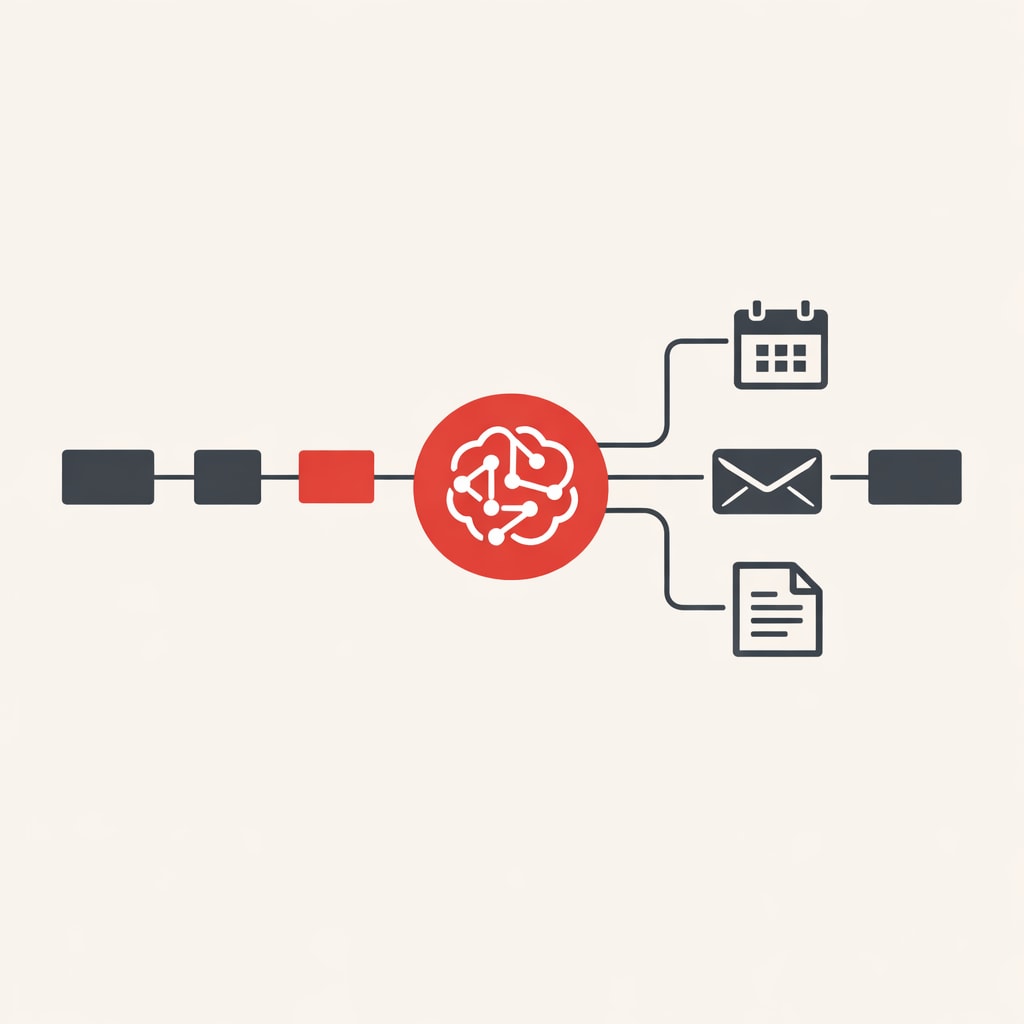
This uses the AI agent node, which has three components: brain (the language model), memory (conversation context), and tools (what the agent can actually do). Griffin connects it to Google Calendar, Gmail, and Google Sheets with varying permission levels - read-only for some, full access for others.
The system prompt defines the agent's role and behaviour. Griffin recommends asking ChatGPT to write this based on your requirements. Include the role, instructions, available tools, context about your work, and any restrictions.
The powerful part: agents can call other workflows, including other agents. Griffin builds separate workflows for calendar management, email handling, and document access. The main agent triggers these as needed rather than handling everything in one massive workflow. This keeps things organised and helps the agent choose the right tool.
His demo includes a Reddit curator that scrapes six AI subreddits and picks the ten best posts, a YouTube comment summariser, and a shorts generator. These are examples - you'd swap in whatever tools match your work. The point is showing how agents can orchestrate complex, multi-step processes through natural language requests.
Setup options
Griffin covers two paths: n8n's cloud version at £20/month after the free trial, or self-hosting. He uses Hostinger for self-hosting because they offer a one-click n8n template that skips most configuration. The VPS approach gives you more control and lower costs than the cloud version without requiring deep technical knowledge.
For Google service credentials, the process is consistent: get a client ID and secret from Google Console, paste them into n8n once, then reuse those credentials across all Google integrations.
Practical patterns
Three patterns appear repeatedly: merging data streams from multiple sources into one output, using set nodes to clean or reformat data before passing it forward, and building separate workflows for complex operations then connecting them through the main agent.
Griffin emphasises testing in stages. Pin data at each node, test the step, verify the output, then move to the next node. When errors occur - and they will - screenshot them and ask ChatGPT. There's even a custom GPT trained on n8n documentation that often provides better answers than starting fresh.
The tutorial ends with a pointer toward retrieval augmented generation using vector databases like Pinecone. This lets agents pull from much larger knowledge bases than chat history or individual documents, opening up workflows that need current, dynamic business data.