How CJ Hess built Flowy to turn planning diagrams into visual mockups
CJ Hess built Flowy to turn planning diagrams from ASCII art into visual mockups. Claude writes JSON files that render as proper flowcharts and UI designs, making plans easier to verify before writing code.

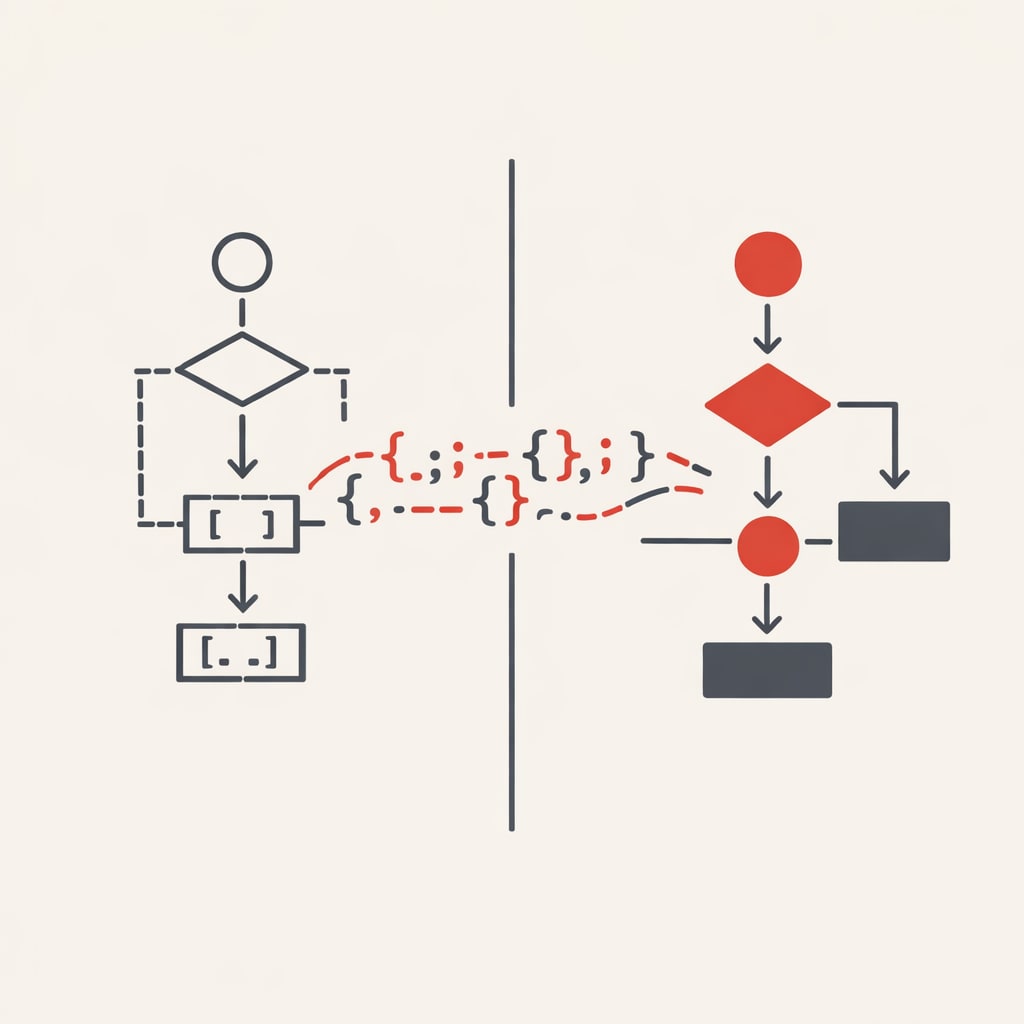
CJ Hess, an engineer at 10X, built a tool called Flowy to solve a problem most developers face: ASCII flowcharts in markdown plans are functional but hard to read. His solution generates visual diagrams and UI mockups from JSON files that Claude can write and update.
The tool emerged from Hess's workflow with Claude Code. He uses markdown files for planning, iterating on designs before writing code. The process works, but staring at text-based diagrams, boxes made from characters, arrows that never quite align makes it harder to verify the plan matches what he wants to build.
Flowy changes that. It reads JSON files that describe flowcharts and UI mockups, then renders them as proper visual diagrams. Claude can write these JSON files using skills Hess created. The result: planning stays in code, but the output looks like something from Figma or Excalidraw.
How the workflow operates
Hess starts by prompting Claude to explore the codebase and create diagrams. For a recent feature - a spinning wheel that reveals tips, he asked for two things: an animation timing sequence and a user flow diagram.
Claude generated both as Flowy JSON files. The timing diagram showed the wheel spinning for 4 seconds, pausing, then revealing the selected tip. The user flow mapped the states: idle, spinning, landed. Both rendered as clean visual diagrams instead of ASCII art.
If something needs changing, Hess edits the diagram directly in Flowy's visual editor. The changes save back to the JSON file. He can then point Claude at the updated file and say "I changed this, now update the rest." The loop stays tight - visual editing for humans, JSON for the model.
The skills that make it work
Flowy relies on Claude skills - markdown files that teach the model how to write valid JSON for the tool. Hess has two main skills: one for flowcharts, one for UI mockups. He built them by having Claude explore Flowy's codebase, then iteratively improving the skill files when something went wrong.
The skills aren't long or complex. They include the JSON schema, available shapes and properties, colour guidelines, and examples. When Hess adds a feature to Flowy, he updates the related skill. The documentation stays current because updating it is part of every development task.
This approach - building custom dev tools with their own skills gives Hess more control than using standard formats like mermaid diagrams. If he needs a new feature, he builds it into Flowy and updates the skill. Claude adapts.
Skipping the plan
For the spinning wheel feature, Hess tried something different. Instead of writing a detailed markdown plan, he pointed Claude at the flowcharts and mock-ups and said "build this feature." No plan file. No step-by-step instructions.
Claude built it. The wheel spun, landed on a tip, displayed the card below. The implementation matched the diagrams. Hess is pushing to see how much planning Claude can handle implicitly from visual artifacts alone.
Using Codex for review
After Claude builds features, Hess sometimes runs a second model - Codex via GPT-4 to review the code. He prompts it to check three things: does the code match the plan artifacts, are there code smells, and what would a refactor look like?
Codex takes longer than Claude but catches different issues. For the spinner, it noticed the mockup showed the arrow landing on a dot, but the code landed it between dots. It suggested extracting components and creating constants - standard refactoring advice for one-shot generated code.
Hess doesn't always act on the suggestions, but the review helps him spot where rushed implementation created technical debt. He'll either have Codex rewrite the code or take the feedback back to Claude.
Why visual artifacts matter
The shift from text to visual planning isn't about aesthetics. It's cognitive load. Reading markdown line by line to verify a flow requires more effort than glancing at a diagram. Hess wants to see it visually. Claude wants to read it as structured data. Flowy lets both happen.
This points to a broader pattern in AI-native development. The tools developers use to communicate with models don't need to match how they verify the work. Code can be the substrate for both, but the interfaces can differ. Hess built Flowy in an afternoon using Claude. It's rough in places - dark mode is new, some text colours don't work, but it's useful enough that he uses it daily.
He plans to release the skills and a starter version of Flowy for other developers to try. The tool isn't polished product. It's a working example of building custom dev tools that make AI collaboration more effective.