Teresa Torres uses Claude Code to manage tasks and research papers
Teresa Torres built her task management and research systems in Claude Code using Obsidian and Python scripts. She creates tasks conversationally, gets automated research digests, and maintains context files that let her prompt lazily.

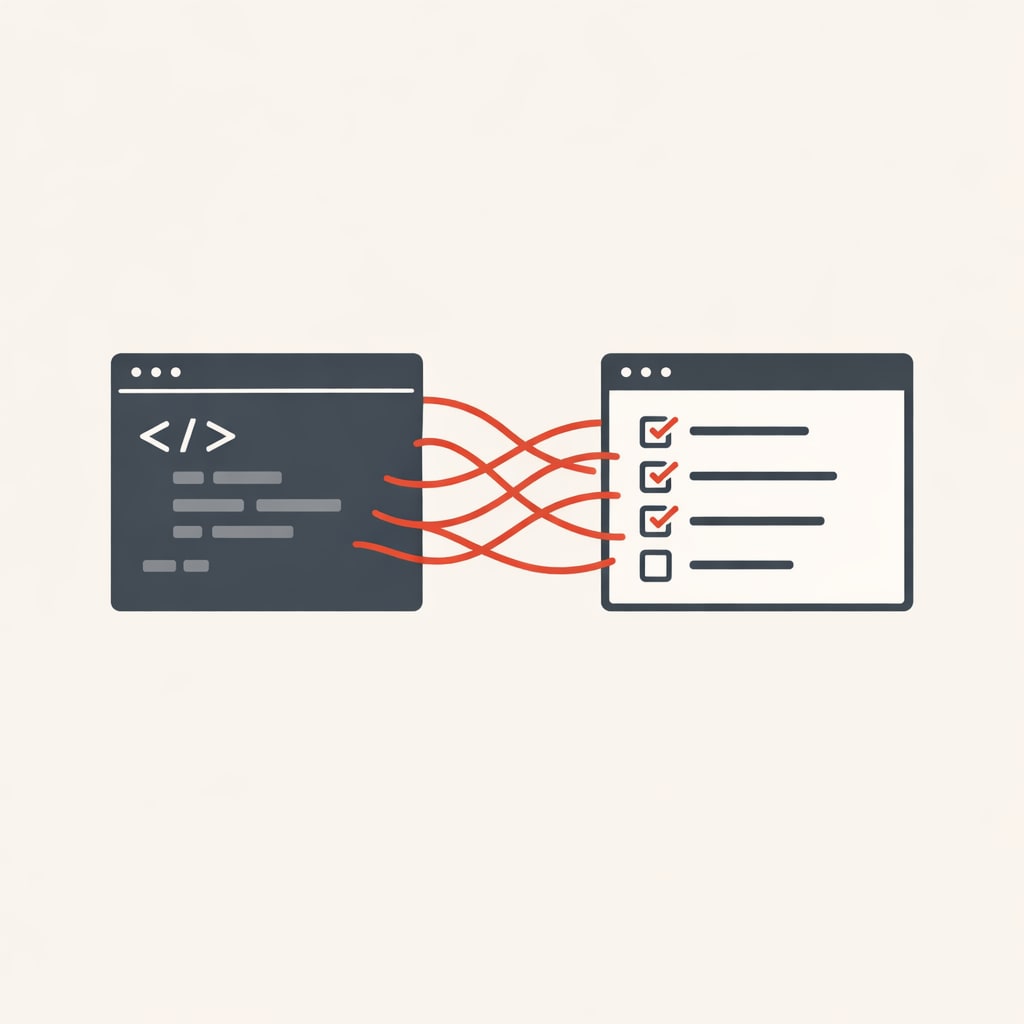
Claire Vo spoke to Teresa Torres, author of Continuous Discovery Habits on a recent How I AI podcast about how she built her entire task management system in Claude Code. She also automated her academic research workflow. Both systems run locally, integrate with Obsidian, and let her work without opening a browser.
Torres started with a problem: her notes lived in Trello, locked behind a third-party interface. She couldn't search them well, and extracting data felt risky. She asked Claude if it could help. That question led to rebuilding her workflow in markdown files that Claude could access directly.
The task system
Every morning, Torres types /today in Claude Code. That slash command triggers a Python script that searches her tasks folder for anything due today or overdue. It checks her Trello board for new cards, though she rarely uses Trello now. Then it generates a markdown file in Obsidian with her full to-do list.
Each task is a markdown file with front matter: type, due date, and tags. Claude handles the tagging automatically when she creates tasks. She can ask Claude for a sales pipeline view, and it filters by tags without her maintaining any taxonomy manually.
Creating a task is conversational. She types "new task" and describes what she needs. Claude creates the file, sets the due date, adds tags, and updates her today list. No date pickers, no clicking through menus.
The system lives in Obsidian because she likes the file browser and the tactile feel of checking boxes. But the real value is searchability. If she can't remember where she logged something, Claude searches every permutation until it finds the right task. It corrects her memory when she uses the wrong words.
Automated research digests
Torres wants to keep up with academic research on product discovery, team collaboration, and AI. She has university library access but never makes time to search. So she built a system that searches for her.
Every morning, a cron job runs a Python script that queries arXiv (a pre-print server for academic papers) based on keywords in a config file. It tracks which papers it's already seen and adds new ones to a digest. On Sundays, it searches Google Scholar.
The digest appears in her daily to-do list. She scans titles and abstracts, downloads PDFs for papers that look relevant, and saves them to topic folders in her research directory. Each folder has a sources directory and a notes directory.
The next morning, a second script finds any new PDFs and triggers Claude Code agents to generate detailed summaries. These aren't paragraph overviews. Torres wrote a custom prompt that focuses on methods and effect sizes - details that help her evaluate study quality before she reads the full paper.
She caught a flaw in a purchase intent study this way. The summary format made the methodological weakness obvious. When she saw the same paper shared on LinkedIn the next day, she wrote a critical review that became one of her best-performing posts.
Context files for lazy prompting
Torres keeps an Obsidian vault called "LLM Context" with dozens of small files. There's a writing style guide, business profile, personal profile, audience definitions, product descriptions, and marketing channel details.
She didn't write these files. Claude did. Whenever she finished a session, she'd ask what they learned that should be documented. Claude would draft the content, and she'd refine it.
The key insight: small, focused files work better than one large context document. Claude loads her global instructions every time, so she doesn't want irrelevant context in there. When her dog eats something questionable, Claude doesn't need to know her marketing channels.
Her business profile is an index. It tells Claude where to find company overview, course details, and product information. Her global Claude instructions say: if the task relates to business, load the business profile. If it's personal, load the personal profile. Claude picks the right context files based on what she asks.
This setup lets her be lazy with prompts. She can type "blog post review, give me feedback" and Claude knows to check her writing style guide, load the relevant audience file, and look up product details if needed.
Writing with Claude as reviewer
Torres still writes everything herself. She loves writing and doesn't want to automate it. But Claude sits in a terminal window next to Obsidian while she works.
She writes a claim and asks Claude if there's evidence for it. Claude researches while she keeps writing. She finishes her intro and asks how to strengthen the hook. Claude reviews based on her style guide - not generic feedback, but specific to her goals.
And it fixes her typos as she goes. She types lazily, misspells words, and Claude cleans it up. She says this is the main benefit of having fancy nails.
When Claude gets stuck or stops listening, she types /clear and starts over. Her context files mean she doesn't have to re-explain everything. The conversation resets, but Claude still knows how she works.
If you want the detailed walkthroughs from the episode, visit ChatPRD.ai