Trigger.dev, N8N, and Make.com Solve Different Problems
Trigger.dev, N8N, and Make.com keep getting compared as competitors. They're not. They solve different problems at different layers of a SaaS stack, and the smartest approach uses them together.


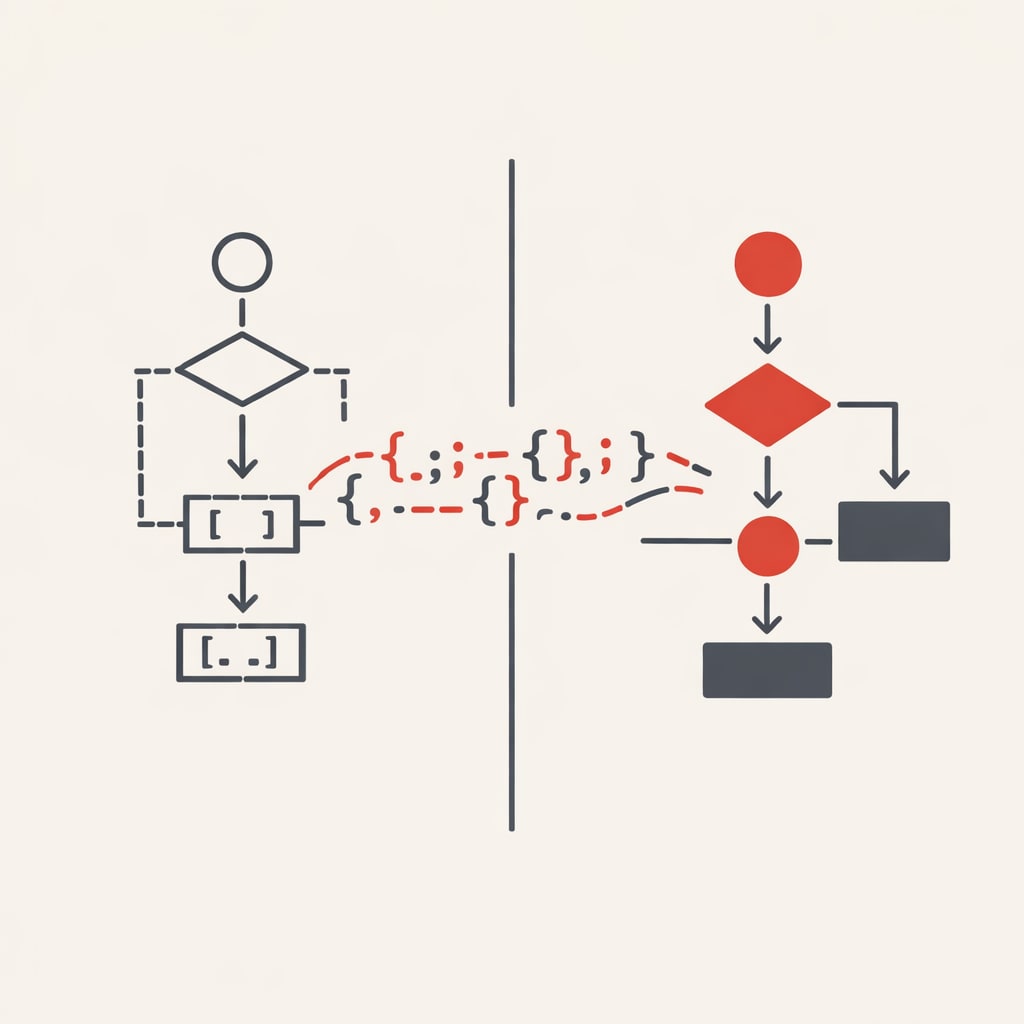
Trigger.dev keeps appearing in developer conversations alongside N8N and Make.com, as though they're direct competitors. They're not. Trigger.dev is a code-first background jobs platform for TypeScript. N8N and Make.com are visual workflow automation builders. They occupy different layers of a SaaS stack, and the most useful framing is when to use each - or both together.
Three tools, three categories
Trigger.dev runs your task code on managed infrastructure. You write TypeScript functions, deploy via CLI, and get automatic retries, checkpointing, and queue management. It's a modern replacement for BullMQ + Redis + worker processes - the queue infrastructure every scaling SaaS eventually cobbles together. It's open-source under Apache 2.0, raised a $16M Series A in December 2025, and has over 13,600 GitHub stars. As of v4, it offers warm starts in 100–300ms, human-in-the-loop waitpoints, and elastic scaling. Tasks live in your codebase and get version-controlled with Git.
N8N is a visual workflow builder with code capabilities. It has 400+ integrations, supports JavaScript and Python code nodes, and charges per execution rather than per step. A 200-step workflow costs the same as a 2-step one. The self-hosted Community Edition is free with unlimited executions. Cloud plans start at €20/month. It has 173,000+ GitHub stars and raised €55M in its Series B. The catch for SaaS builders: its Sustainable Use License prohibits embedding N8N in products you sell without an Enterprise arrangement.
Make.com is a cloud-only visual builder with 3,000+ app connectors and 3.1 million users. It has the most polished drag-and-drop interface, with routers, filters, and error handlers for complex branching. Pricing uses credits - each module action in a workflow consumes one. Plans start at $9/month for 10,000 credits.
The pricing models tell you what each tool values
Trigger.dev charges for compute time. A default machine costs $0.122/hour, runs are $0.25 per 10,000 invocations, and wait periods longer than five seconds are checkpointed and cost nothing. A 10-second task running 100 times daily works out to roughly $1.09/month. Development runs are free.
N8N's execution-based model is its strongest advantage at scale. A complex 50-step workflow running 1,000 times costs 1,000 executions. That same workflow on Make.com costs 50,000 credits. Self-hosted N8N costs nothing for executions.
Make.com's credit model has a hidden trap. Polling triggers consume credits even when they find nothing. A single trigger checking every minute burns 43,000+ credits monthly just watching for changes. Overages auto-purchase at a 25% markup by default.
What developers actually say after using them
Sohrab Fadai of Heartspace AI, quoted on the Trigger.dev site, explained their choice: UI-based solutions like Zapier and N8N became complex and time-consuming for large automations, and Trigger.dev made more sense for dev-speed, cost, and scalability. Another developer who migrated from N8N to Trigger.dev reported that maintaining workflows in an IDE took about 80% less time than the GUI approach.
N8N's fans point to self-hosted economics. One developer launched it with a single bash command and called it immense value for zero recurring cost. Its code nodes let you run external npm packages inside workflows (self-hosted only), which neither Make nor Zapier allows. Around 75% of N8N workflows now incorporate AI or LLM integrations, with native LangChain support.
Make.com users value speed to first automation. Henk-Operative, a well-known community contributor, has said that developers can achieve 99% of what custom code does while saving significant time - but also warned that users without a grasp of functions, arrays, and JSON will struggle. Make.com's Trustpilot score sits at 2.8 out of 5, with recurring complaints about vague debugging errors and slow support.
Which tool belongs where in a SaaS stack
Trigger.dev handles your product's internal machinery. When a user uploads a file that needs processing, when your AI pipeline chains multiple LLM calls, when a Stripe webhook needs reliable processing with retries - that's Trigger.dev territory. Flick.social migrated from Temporal to Trigger.dev and went from 87% to 100% workflow success rate because Temporal workers couldn't handle bursty loads.
N8N and Make.com handle external connectivity and operational workflows. Syncing CRM data, routing Slack notifications based on ticket severity, automating team processes - that's visual workflow territory. N8N suits technical teams who want self-hosting and data sovereignty. Make.com suits mixed teams where non-technical members need to build and modify workflows independently.
Two licensing constraints shape this. N8N's licence prohibits embedding it in a SaaS product you sell without an Enterprise deal. Make.com is cloud-only with no self-hosting option. Trigger.dev's Apache 2.0 licence has neither restriction.
The practical architecture: Trigger.dev processes core product workloads in your TypeScript codebase with type safety and version control. N8N or Make.com connects your external tools - CRM syncing, marketing automation, notifications. Different layers, different tools.